Journal
Fluted glass in the browser: from Blender to WebGL
From Blender shading experiments to lightweight real-time WebGL shaders and dark mode contrast: a craft breakdown of the portfolio's visual material.
For this portfolio, I wanted a core visual material with real presence. Generic CSS glassmorphism has been everywhere on the web for years and often lacks tangible texture. My starting point was to draw inspiration from interior architecture and physical product design: fluted glass (ribbed glass). It brings tactile depth, sharp optical refractions, and instant materiality.
Rather than jumping straight into WebGL shaders without a clear aesthetic target, I started by exploring the physical look inside 3D software.
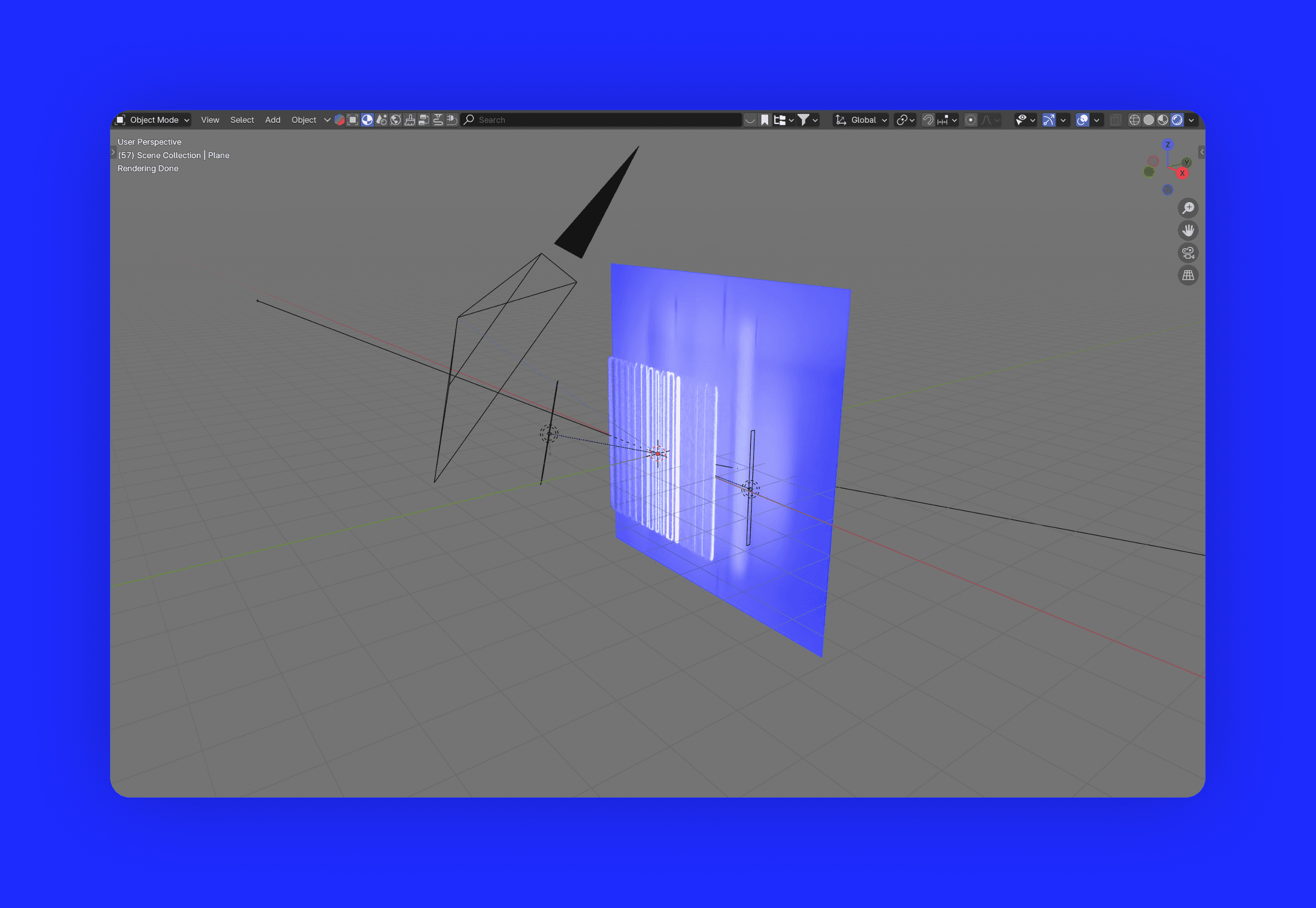
1. The Blender playground
I set up a Blender scene to figure out the right proportions and see how light truly interacts with curved ridges. What rib width feels balanced? What curvature gives crisp refractions without turning into visual noise? And what index of refraction (IOR) keeps the glass feeling dense and physical?
Testing multiple lighting angles and caustics gave me a clear visual benchmark to recreate later in the browser: sharp highlights, subtle chromatic dispersion, and convincing depth.
2. From 3D rendering to real-time WebGL
Once the look was nailed in 3D, the real challenge began: how to translate this into the browser without draining mobile batteries? Loading heavy 3D geometry or running costly raytracing loops at 60 FPS was out of the question.
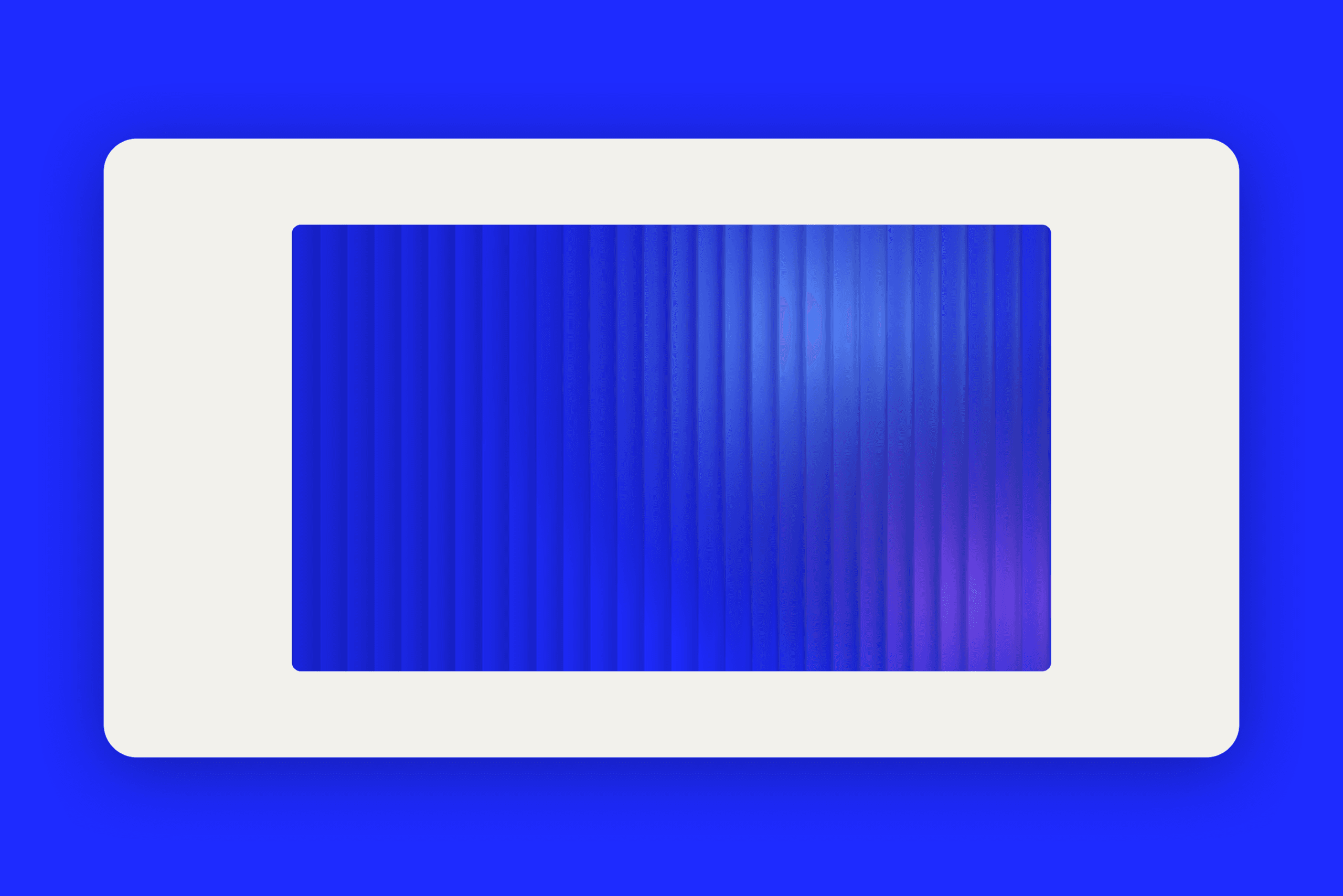
Drawing inspiration from creative coding techniques, I crafted a lightweight approach: an optimized normal map capturing the ridge profiles, paired with a custom fragment shader that computes refraction and slight chromatic aberration on demand. The shader stays featherweight and only renders when strictly necessary.
This powers section 2 of the homepage: our signature cobalt blue vibrates under the glass with smooth performance even during continuous scrolling.
3. The dark mode puzzle
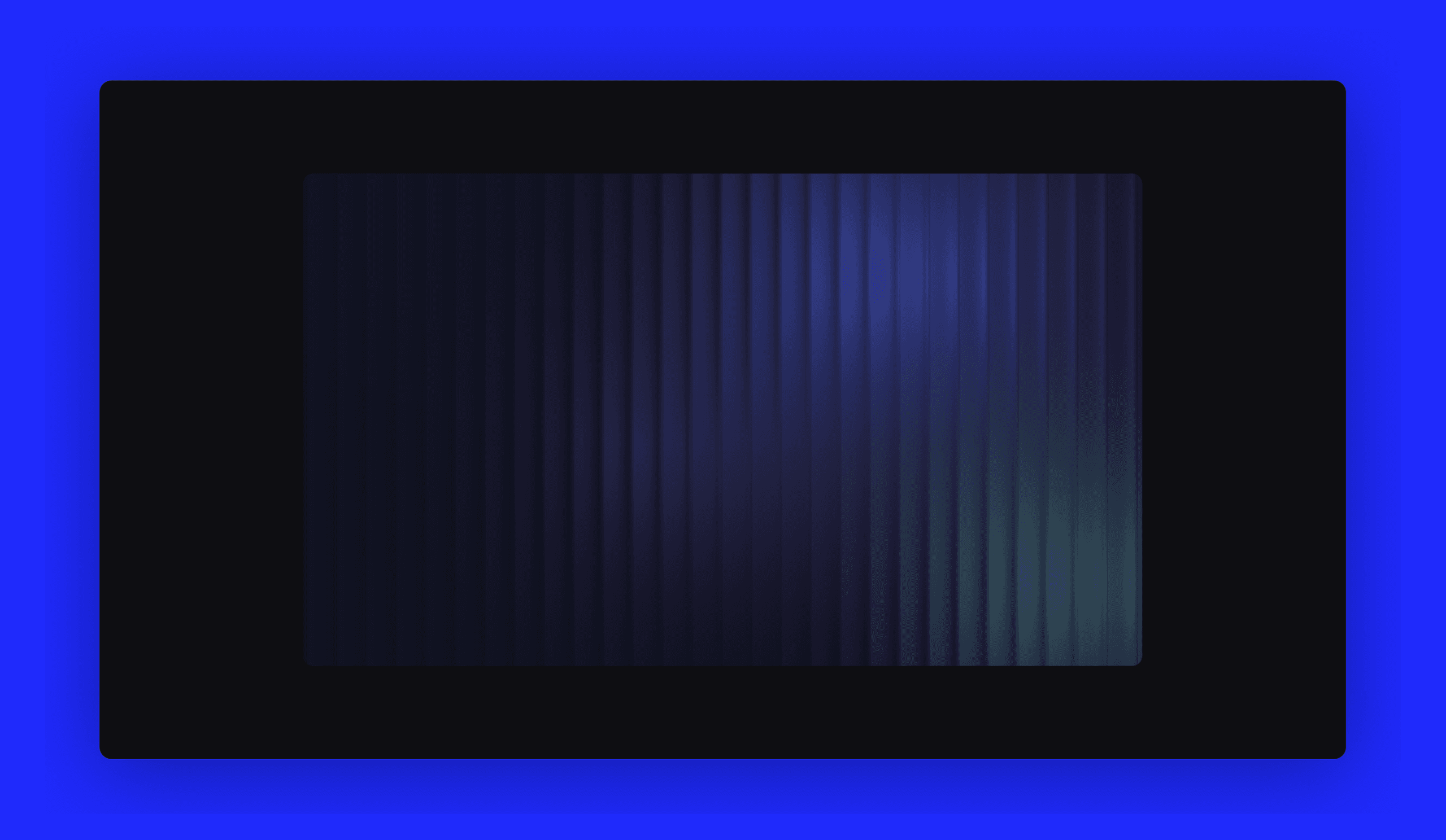
Against an electric cobalt backdrop, glass thrives naturally because rich saturated light shines through. But when shifting to a deep mineral dark theme (#0e0e12), I hit a classic 3D hurdle: glass in pure darkness is transparent, hence invisible.
This required a dedicated pass on contrast: introducing a delicate grazing light, placing a deep atmospheric cobalt glow behind the plate to reveal its ribbing, and sharpening specular highlights along the beveled edges. That delicate balance keeps the glass tangible without breaking the dark mood.
4. Brand consistency across touchpoints
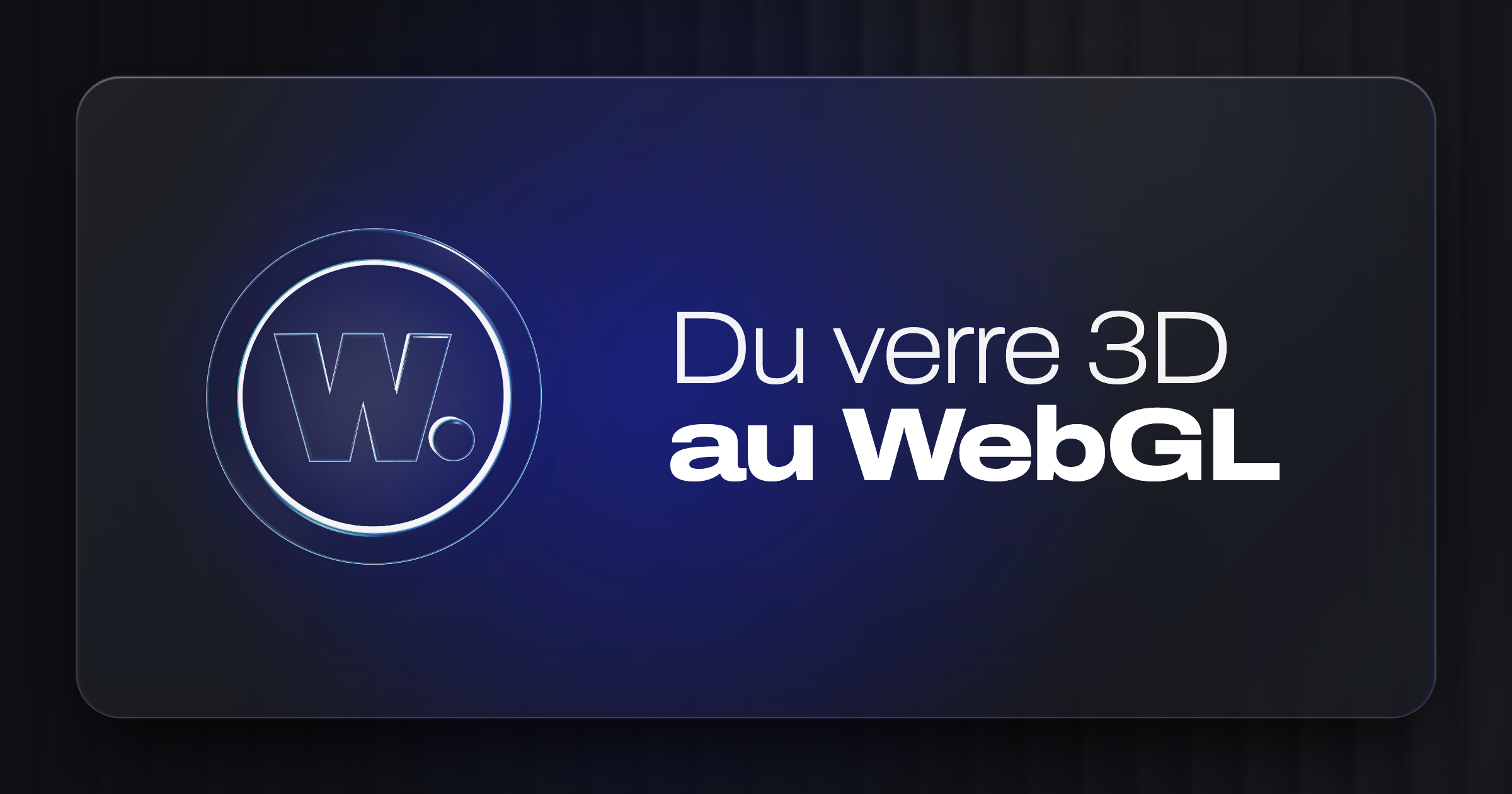
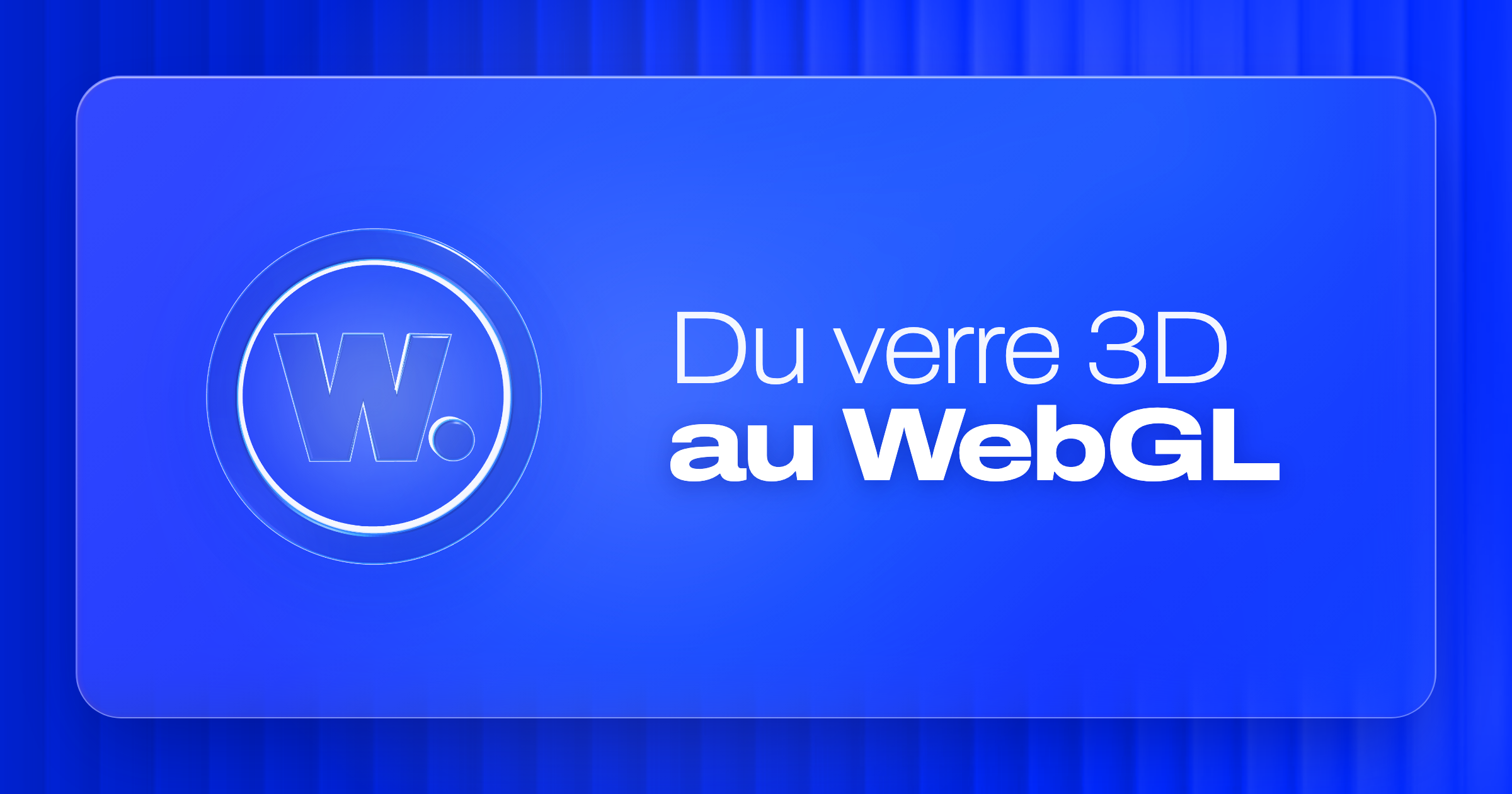
This material was never meant as a one-off gimmick. It became the overarching visual identity across the entire portfolio: from OpenGraph social previews on LinkedIn, to our 3D monogram and this journal's cover art.
To experience it first-hand, simply scroll back to the top of this page: the article cover uses the same beveled Liquid Glass plate with fluted backdrop. Toggling the theme button in the bottom menu will instantly flip the thumbnail between its dark mineral and bright cobalt states.
Bridging 3D modeling, production-grade code and art direction is where the real fun lies: making every technical decision serve a tangible visual identity.